BRPG Screenshots
The following screenshots are provided to give you an idea of what the in-game graphics look like. Note that many of these are partial screens only. The viewable area in BRPG is actually much bigger.
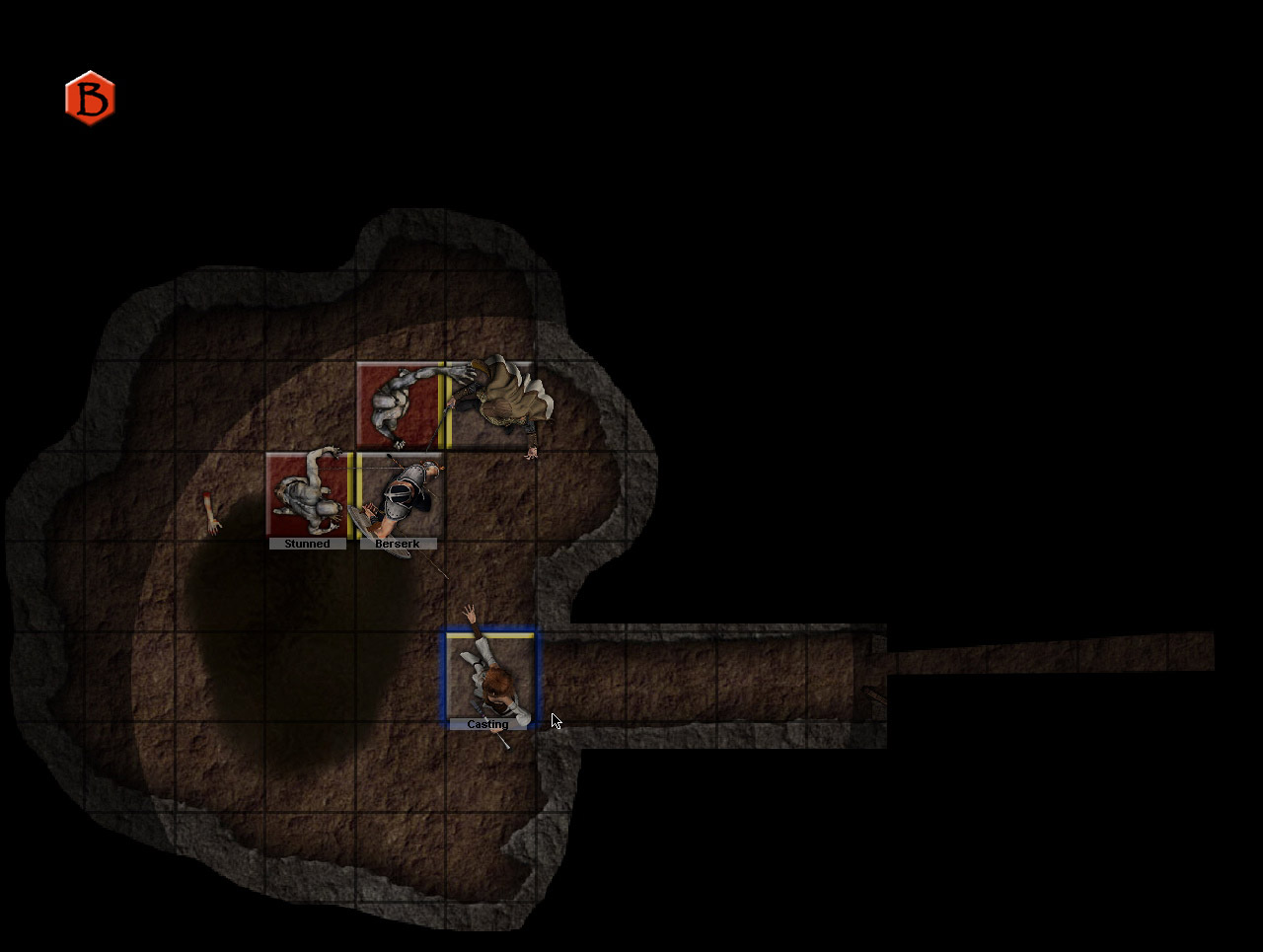
BRPG's Fog of War feature gradually reveals the map as the players explore, based on factors such as light sources present and whatever enhanced vision the characters possess, while the GM retains control over which areas shouldn't be revealed.
BRPG's Fog of War feature gradually reveals the map as the players explore, based on factors such as light sources present and whatever enhanced vision the characters possess, while the GM retains control over which areas shouldn't be revealed.
BRPG's Fog of War feature gradually reveals the map as the players explore, based on factors such as light sources present and whatever enhanced vision the characters possess, while the GM retains control over which areas shouldn't be revealed.
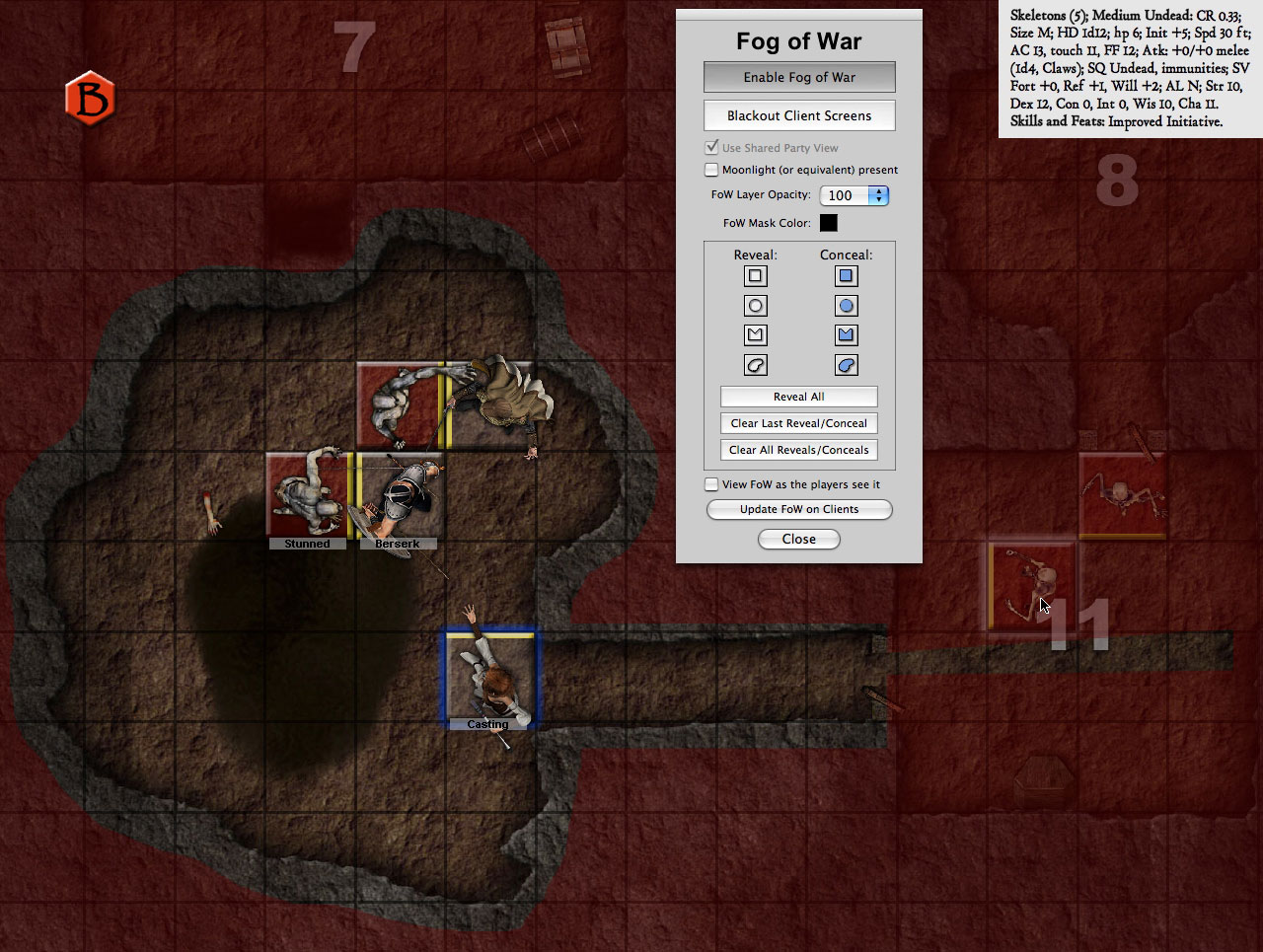
Drawing tools allow the GM to reveal or conceal areas of the map as he/she sees fit, and the ability for the GM to view the Fog of War as the players see it is very useful. The Fog layer is normally black, but it can be set to any color, or even to use another map as an overlay.
Drawing tools allow the GM to reveal or conceal areas of the map as he/she sees fit, and the ability for the GM to view the Fog of War as the players see it is very useful. The Fog layer is normally black, but it can be set to any color, or even to use another map as an overlay.
Drawing tools allow the GM to reveal or conceal areas of the map as he/she sees fit, and the ability for the GM to view the Fog of War as the players see it is very useful. The Fog layer is normally black, but it can be set to any color, or even to use another map as an overlay.
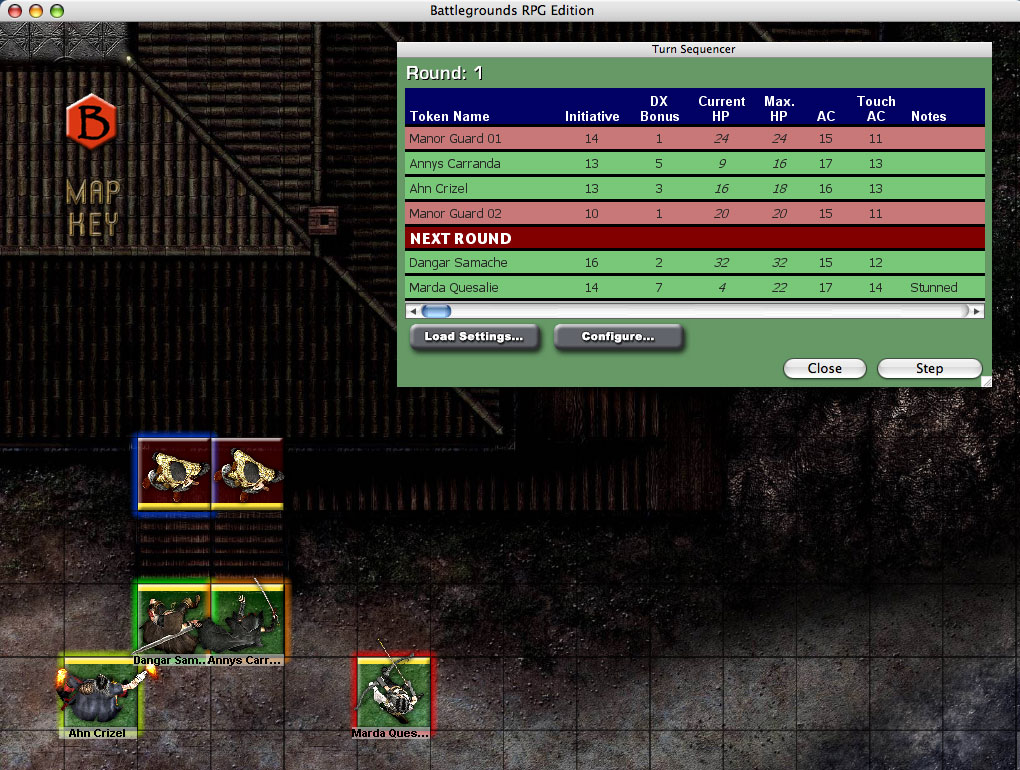
The Turn Sequencer window in BRPG not only shows whose turn it is and whose is coming up, it can also be used to track (and edit) frequently-referenced character stats. Color-coding can also be used to differentiate friendly, hostile, and neutral characters.
The Turn Sequencer window in BRPG not only shows whose turn it is and whose is coming up, it can also be used to track (and edit) frequently-referenced character stats. Color-coding can also be used to differentiate friendly, hostile, and neutral characters.
The Turn Sequencer window in BRPG not only shows whose turn it is and whose is coming up, it can also be used to track (and edit) frequently-referenced character stats. Color-coding can also be used to differentiate friendly, hostile, and neutral characters.
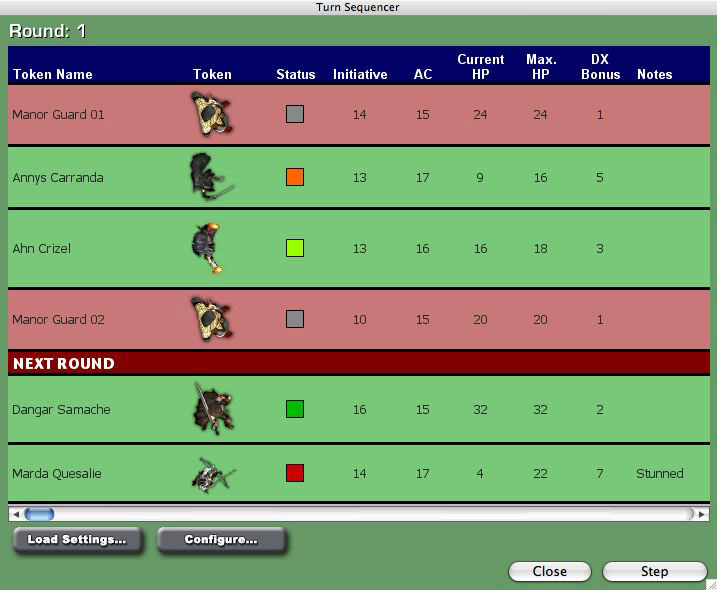
Here the Turn Sequencer has been configured to show token images, health status, and d20-style data, but you can configure it to show whatever data you want, for any game system.
Here the Turn Sequencer has been configured to show token images, health status, and d20-style data, but you can configure it to show whatever data you want, for any game system.
Here the Turn Sequencer has been configured to show token images, health status, and d20-style data, but you can configure it to show whatever data you want, for any game system.
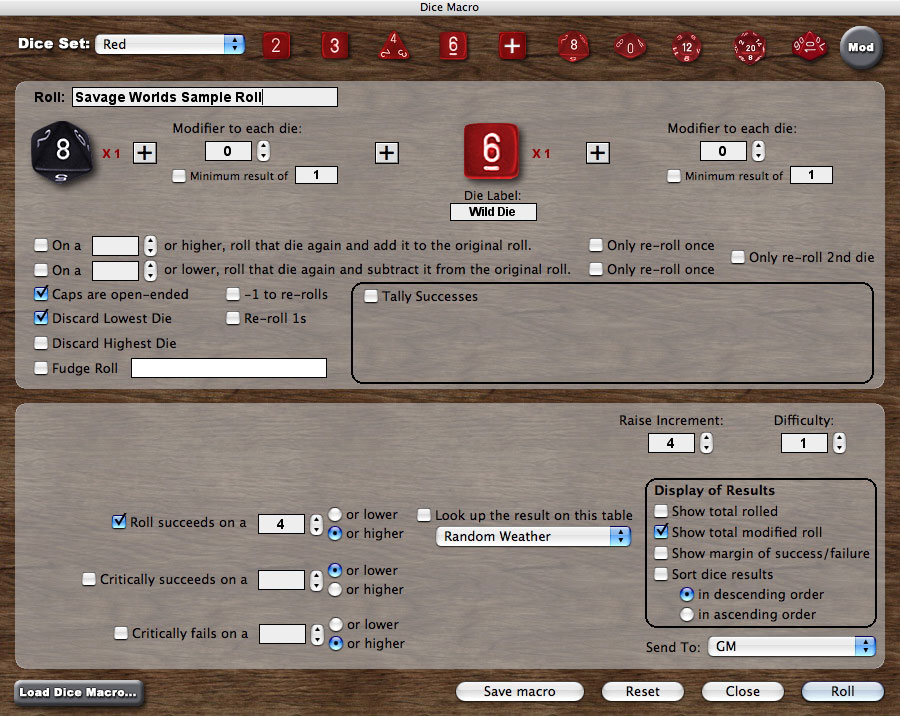
A powerful Dice Roller supports most common dice rolling mechanics (e.g., target numbers, critical successes/failures, open-ended or exploding rolls, drop lowest/highest, count successes, etc.) without requiring any user-end scripting.
A powerful Dice Roller supports most common dice rolling mechanics (e.g., target numbers, critical successes/failures, open-ended or exploding rolls, drop lowest/highest, count successes, etc.) without requiring any user-end scripting.
A powerful Dice Roller supports most common dice rolling mechanics (e.g., target numbers, critical successes/failures, open-ended or exploding rolls, drop lowest/highest, count successes, etc.) without requiring any user-end scripting.
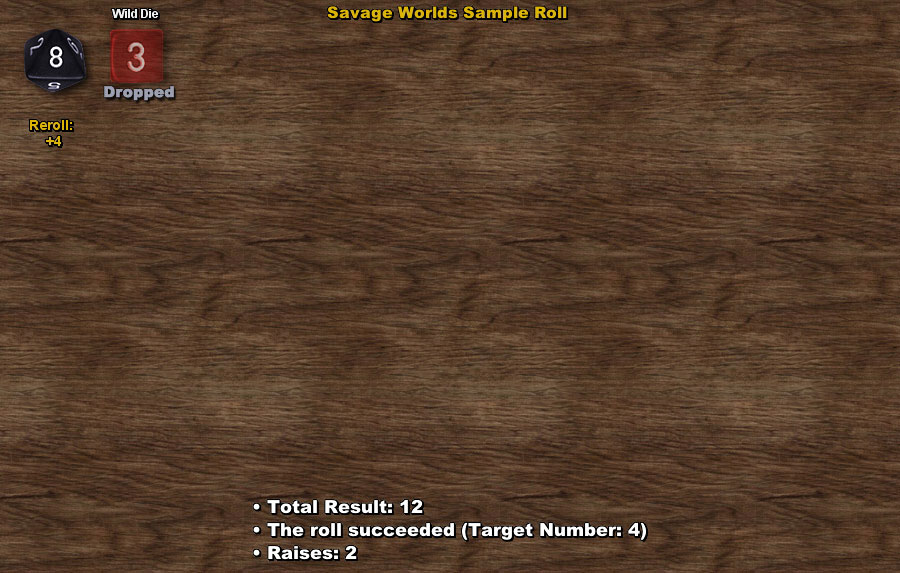
The Dice Roll Results screen for the roll that was set up in the previous screenshot. Die rolls can be public or private, and your common rolls can be saved as Dice Macros.
The Dice Roll Results screen for the roll that was set up in the previous screenshot. Die rolls can be public or private, and your common rolls can be saved as Dice Macros.
The Dice Roll Results screen for the roll that was set up in the previous screenshot. Die rolls can be public or private, and your common rolls can be saved as Dice Macros.
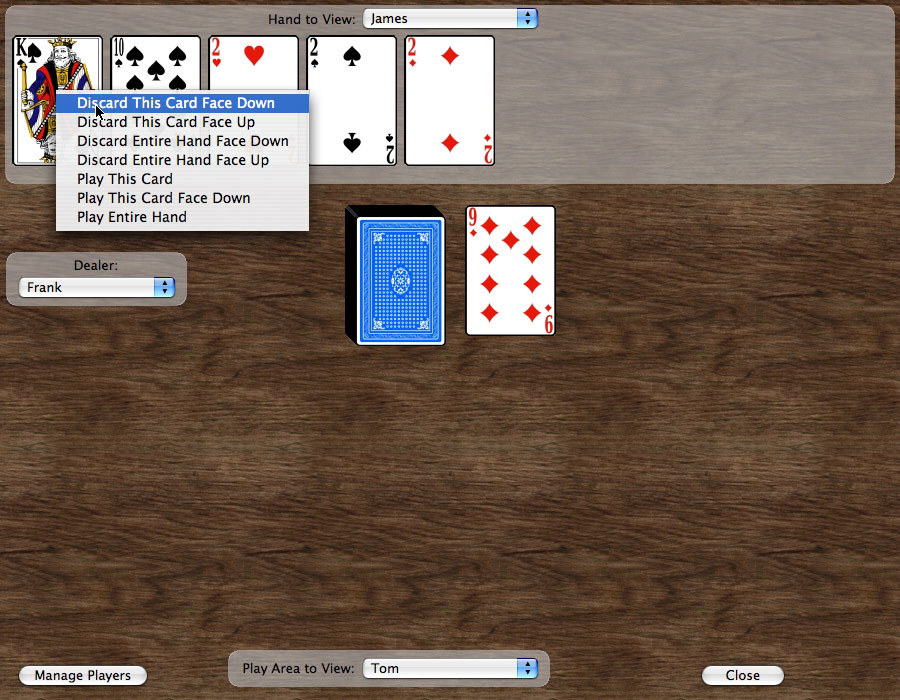
The virtual card table can come in handy for RPG systems that rely on randomly-drawn cards (e.g., Savage Worlds) or even those that resolve conflicts using Poker-style hands (e.g. Deadlands). With the GM Client, you can even create your own custom card decks (e.g., Inventory Decks or Powers decks).
The virtual card table can come in handy for RPG systems that rely on randomly-drawn cards (e.g., Savage Worlds) or even those that resolve conflicts using Poker-style hands (e.g. Deadlands). With the GM Client, you can even create your own custom card decks (e.g., Inventory Decks or Powers decks).
The virtual card table can come in handy for RPG systems that rely on randomly-drawn cards (e.g., Savage Worlds) or even those that resolve conflicts using Poker-style hands (e.g. Deadlands). With the GM Client, you can even create your own custom card decks (e.g., Inventory Decks or Powers decks).
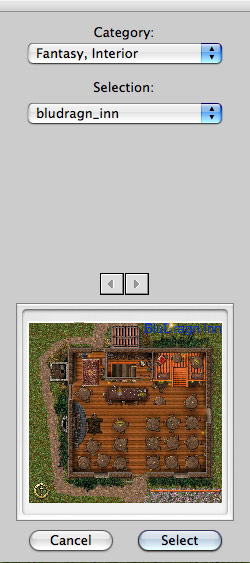
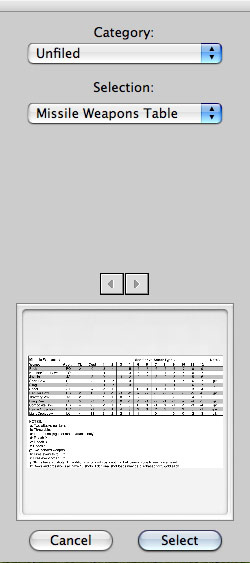
Shows a thumbnail Preview, so you can scan through your map collection, which is organized via the folder hierarchy at the system level.
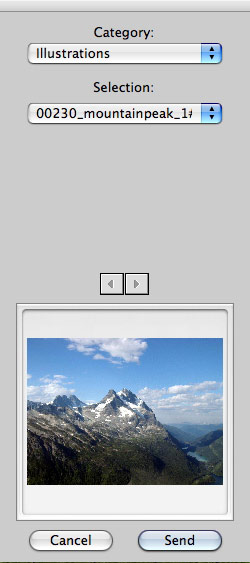
Once you know how to change the map, you also know how to send a visual aid...
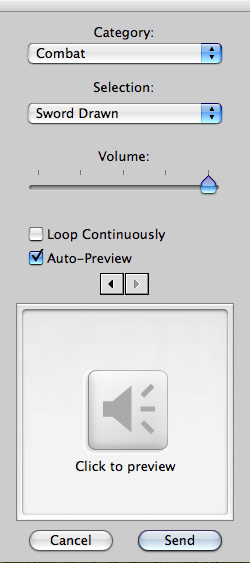
...or an audio clip. You can hear an audio preview before sending, to make sure you've chosen the right sound effect or music clip. You can select at what volume the sound should play, and whether or not to loop the sound continuously.
Seeing a pattern here? We told you this was easy to use!
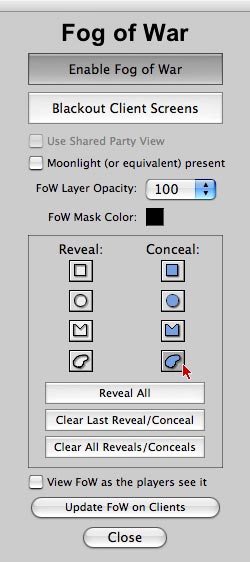
This screen is used by the GM when he wants the map to be gradually revealed as the PCs explore the area. The Fog of War feature is typically used in indoor Encounters, such as a cave or dungeon, or in outdoor Encounters that take place at night.
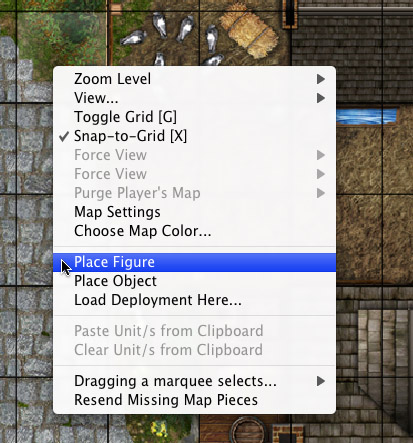
Double-clicking on a cell (a square or a hex) gives you these options.
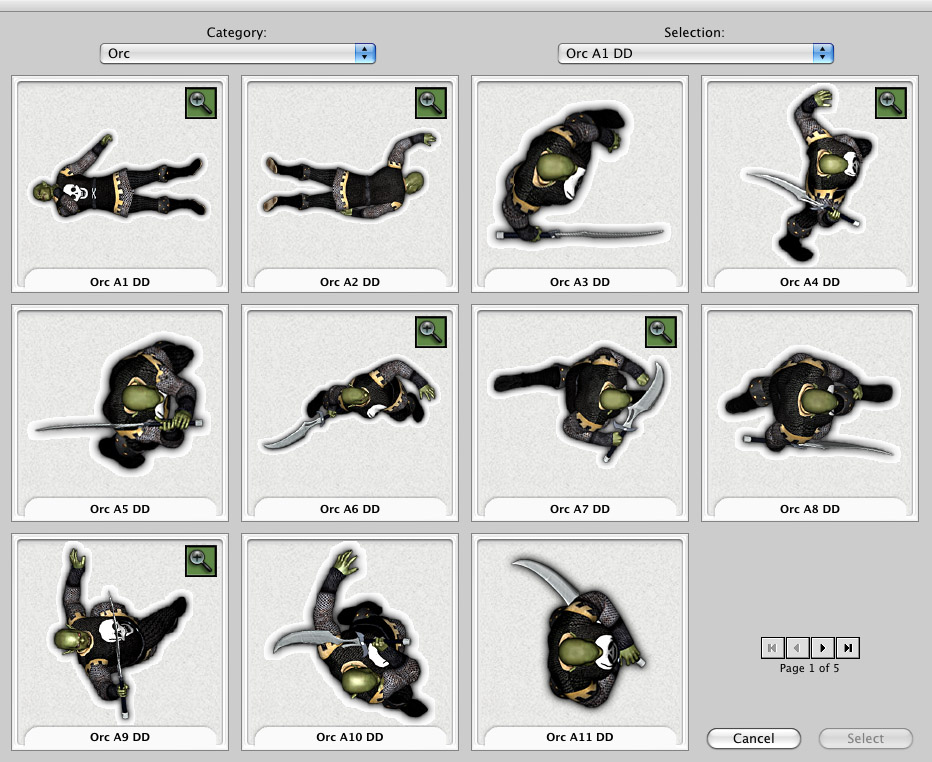
This is where you select the figure or object you want to place on the map. Being able to browse many images at once makes finding what you want faster. Images that have been reduced in size to fit in a thumbnail image may be viewed at full size (when possible) by mousing over the appropriate magnifying glass icon.
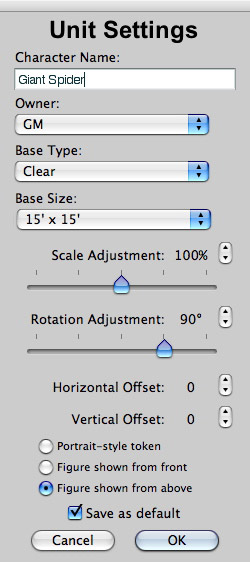
When you deploy a unit, you'll be taken to this screen, where you can specify how BRPG should use your selected image. These controls save you the time and effort of having to prepare the graphics beforehand in a graphics-editing program. If you've used a particular image before, your prior defaults will be filled in for you. When you click OK, the figure or object is placed on the map in hidden mode until you choose to reveal it.
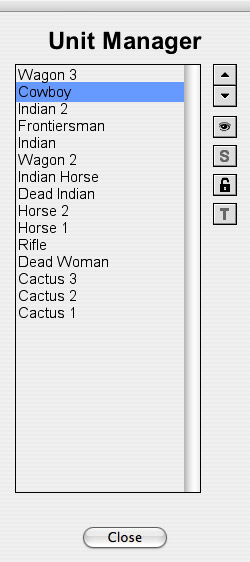
This screen is used by the GM to control the stacking order of units on the map, and to adjust various settings from one central location. Double-clicking a unit on this panel will auto-center the unit on the GM's map.
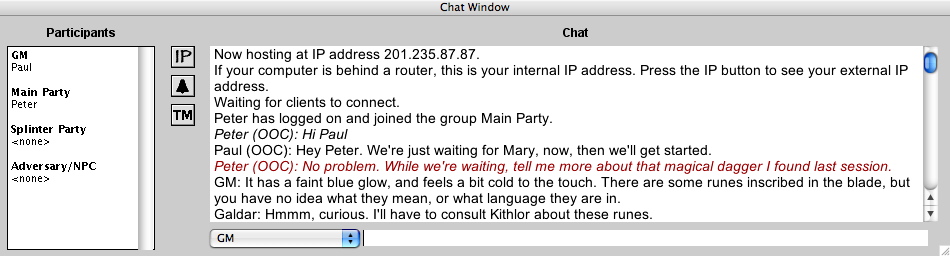
The Chat window appears only after hosting or joining a game session. It can thereafter be toggled (shown or hidden) with the TAB key. The Chat window can be moved and resized.


The following screenshots are the same ones in the slideshow above, but you can click on a thumbnail to see the full-size image.